

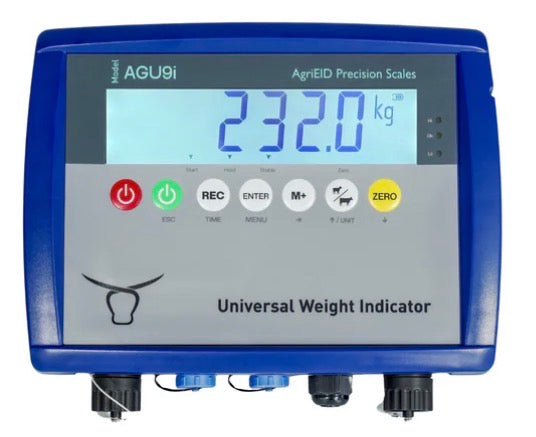
Photos · 9000 Series AG9i Indicator
Digital indicator 9000 Series AG9i Indicator
The indicator for current generation AgriEID load bars with the 7 pin connector. Select the model of your load bars so we ship it with the correct calibration.
GST included. Shipping calculated at checkout.
This indicator only connects to current load bars with the 7 pin connector. Older generation AgriEID load bars have a 5 pin connector and will not work with the new BT Ultra 9000 Series indicator.
What the indicator does
Bluetooth to your phone
Streams each weight reading straight to your own phone or tablet, free with the AgriEID Lite app.
Auto-detects your load bars
Auto-detects load bars with the current 7 pin connector. Older 5 pin AgriEID load bars will not work.
Auto-hold for moving animals
Auto-hold locks each reading, even with a restless animal in the crush.
Manuals and guides
Quick start guide, videos and product manuals in our support centre.
BT scales quick start →Indicator specifications
- Display
- High-resolution
- Connection
- Bluetooth to your phone or tablet
- Works with
- Load bars with the current 7 pin connector
- Does not work with
- Older generation AgriEID load bars with a 5 pin connector
- Power
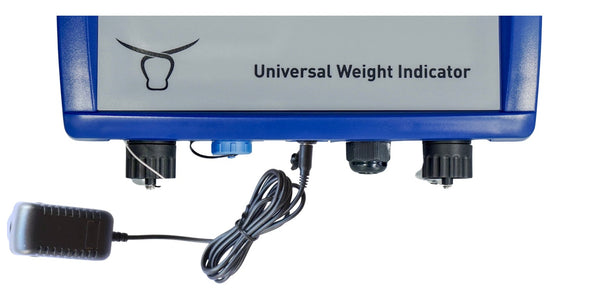
- 6V rechargeable battery or 240V adapter
- Charging
- 12V 1A
- Apps
- Free AgriEID Lite and Link
- Warranty
- Standard AgriEID warranty
In the box
9000 Series AG9i indicator · bracket · 240V power adapter.
Calibrating the indicator
Your indicator is calibrated for the load bars you select. Only recalibrate if your readings drift. This video shows the 600mm load bars with one 50 kg known weight.
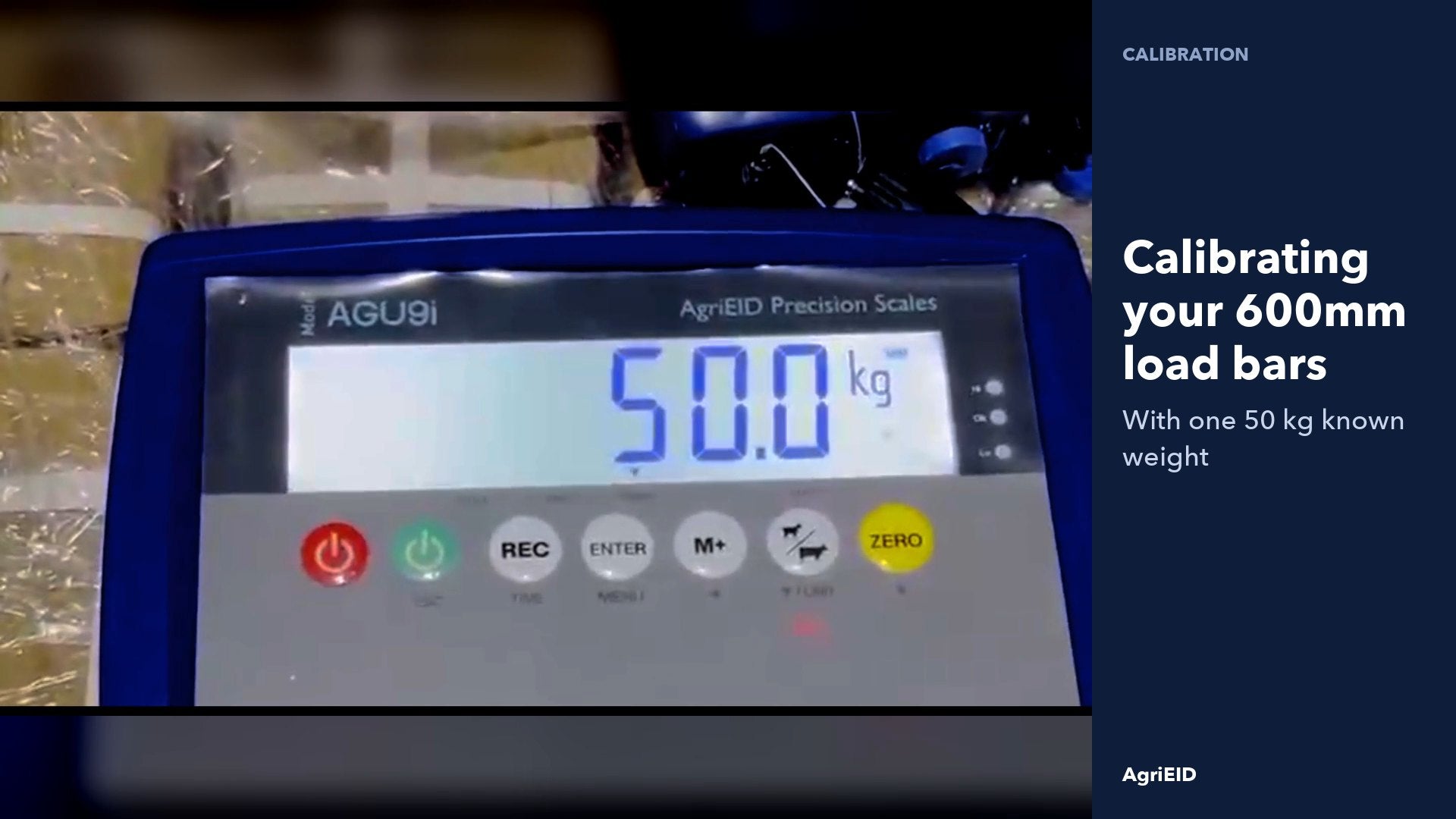
- Switch on in calibration mode
Hold ZERO and switch the indicator on.
- Press ENTER through the settings
Leave every setting as it is.
- Set zero with nothing on the bars
Press ENTER at CAL SP with the platform empty.
- Key in your known weight
At CAL FS, change the figure to 50.0 kg.
- Put the 50 kg weight on the platform
- Press ENTER to confirm
The display reads 50.0 kg and the setting is saved.
Accessories for the AG9i

Questions before you order
Only if they have the current 7 pin connector. Older generation AgriEID load bars have a 5 pin connector and will not work with the new BT Ultra 9000 Series indicator. If you are not sure which you have, contact our office.
Select the model of your load bars: BT Ultra 600mm, BT ProGuard 600mm or BT Extreme Duty 5T 1000mm. We ship the indicator with the correct calibration for them.
It is calibrated for the load bars you select, so only recalibrate if your readings drift. The video on this page shows how, and our support team can help.
Yes, with the 12V Heavy Duty Indicator Power Cable: 2 metres long with battery alligator clips.
Manuals and instruction guides are in our support centre. If you need more help, contact our office directly.
9000 Series AG9i Indicator · $795
Free AgriEID Lite and Link apps. Standard AgriEID warranty.